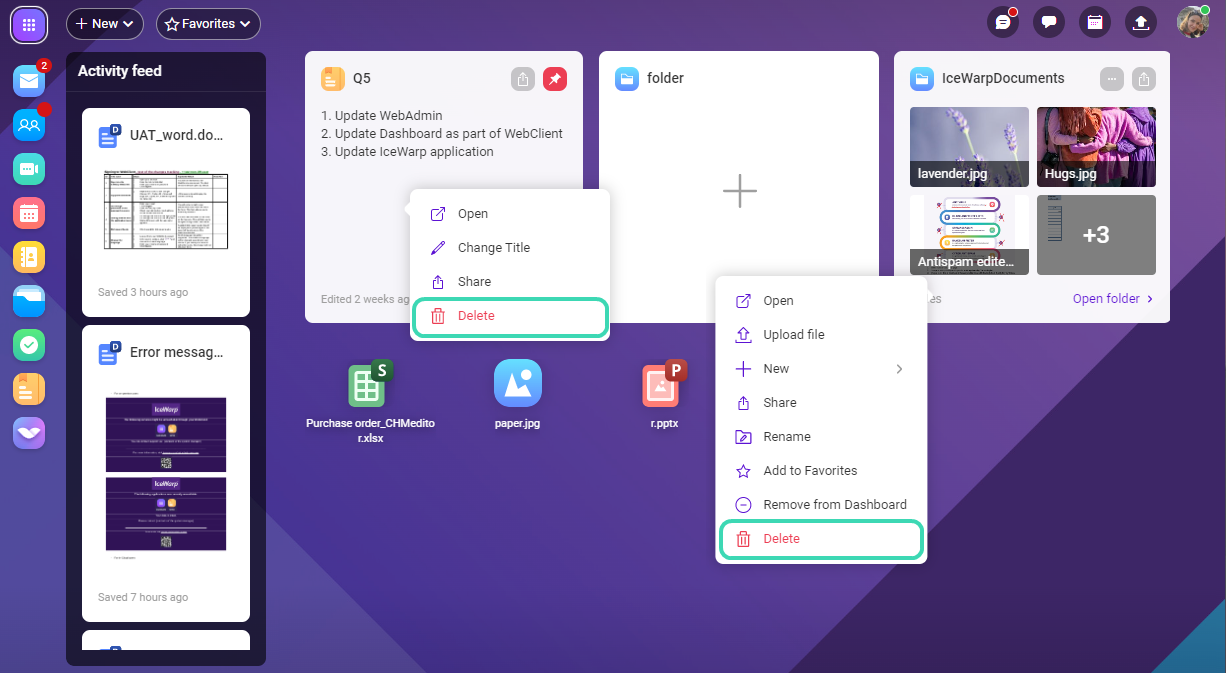
How to delete an item
Right-click the item > select  Delete. You can find deleted items in the Trash folder of the relevant application: to find deleted folder, go to Trash of Files & Documents, etc.
To remove the item from the Dashboard, right-click the item and select Remove from Dashboard. The item will not be deleted, you can still find it in the list of items in the relevant application.